 HubLane
Keep property facts consistent
Record the property type, city, sale or rental terms, price, rooms, area and availability. Add a description and photos that help buyers understand the property.
Manage property records, publish listings and follow buyer or renter inquiries in your HubLane workspace.
Create your workspaceInside the product
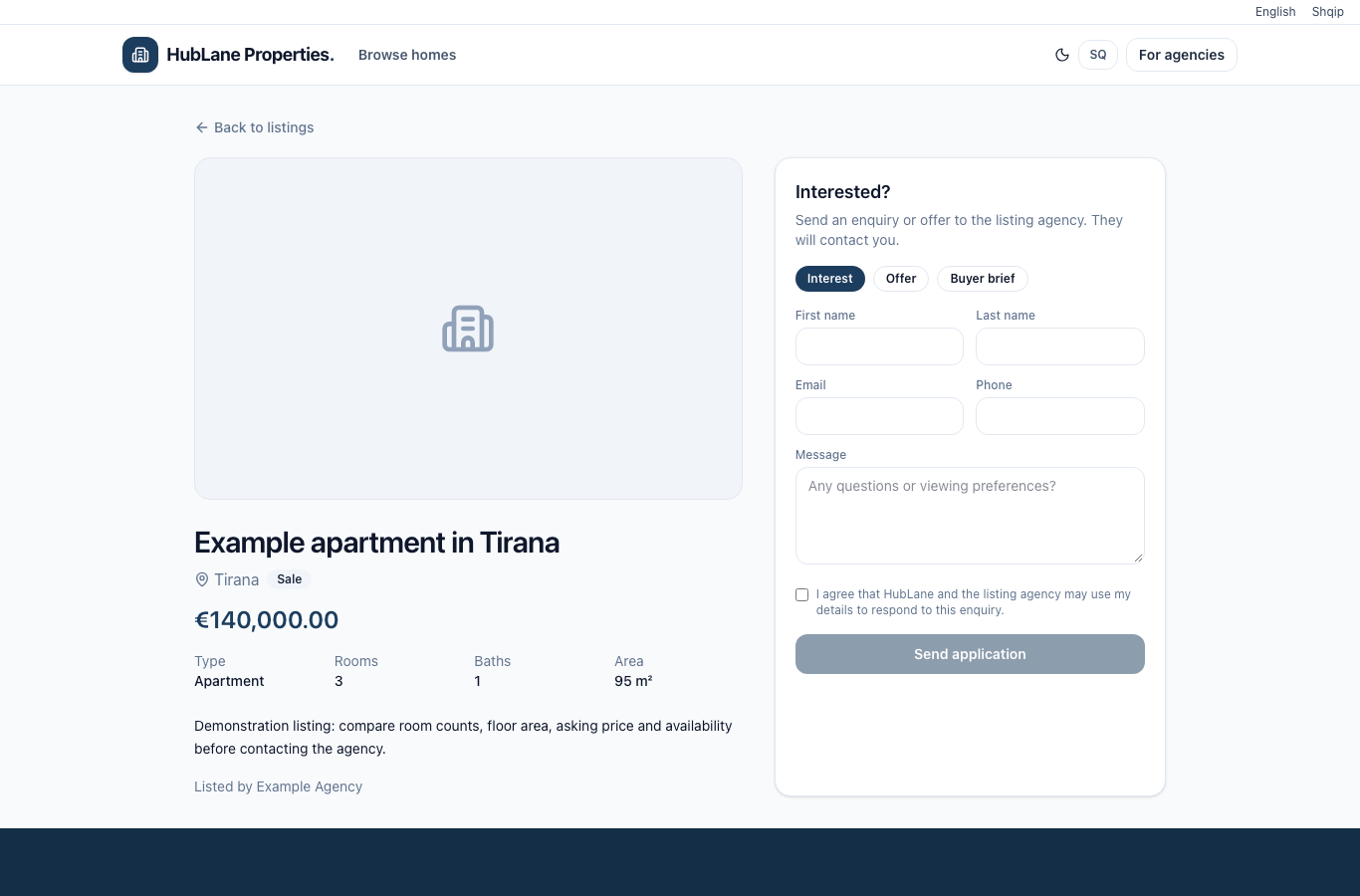
Confirm the country, city, property type, price and currency. For rentals, state the rental period. Add current photos and a factual description.
Read the complete guide →Assign the responsible agent and check the saved search-readiness panel. Review the public page before sharing it with prospective buyers or renters.
Read the complete guide →Review inquiries in the workspace. Update availability after a sale or rental so the page accurately reflects the property’s status.
Read the complete guide →Record the property type, city, sale or rental terms, price, rooms, area and availability. Add a description and photos that help buyers understand the property.
Publishing a property makes it available through the public listing feed while your merchant account and real estate module are active. Unpublish listings that should no longer be shown.
Public property pages link to the responsible agency or agent and support inquiries for available properties. Follow incoming inquiries from the property workspace.
Update a property when it is under offer, sold or rented. Historical pages show their actual status; they should never promise an available property after it has been taken.
Choose your modules, review permissions and invite the team. Give each workflow a responsible owner.
Start with a small sample of customers, services or properties. Check the result before bringing over the rest of your records.
Update tasks, appointment hours and property availability as work changes. Follow incoming requests in the shared workspace.
The CRM workspace requires sign-in and permissions. Businesses choose which profiles and properties to publish; customer records are not shown in the public directory.
Start with a small CSV import and reconcile imported and skipped rows. Use the client import guide and starter template before a full migration. Read the guide
Check modules, user counts, workspace limits and any specific requirements with the team. Confirm billing terms for your workspace. Contact HubLane