 HubLane
Follow a lead through to the deal
Keep contact information, deal stages, notes and assigned tasks together. Your team can see the next action without rebuilding the history from separate spreadsheets.
Organize leads, clients, deals, tasks and invoices in HubLane. Give your team a shared customer record and a clear next step.
Create your workspaceInside the product
Start with the client CSV template. Map names, email and phone, then check imported and skipped rows before importing the rest.
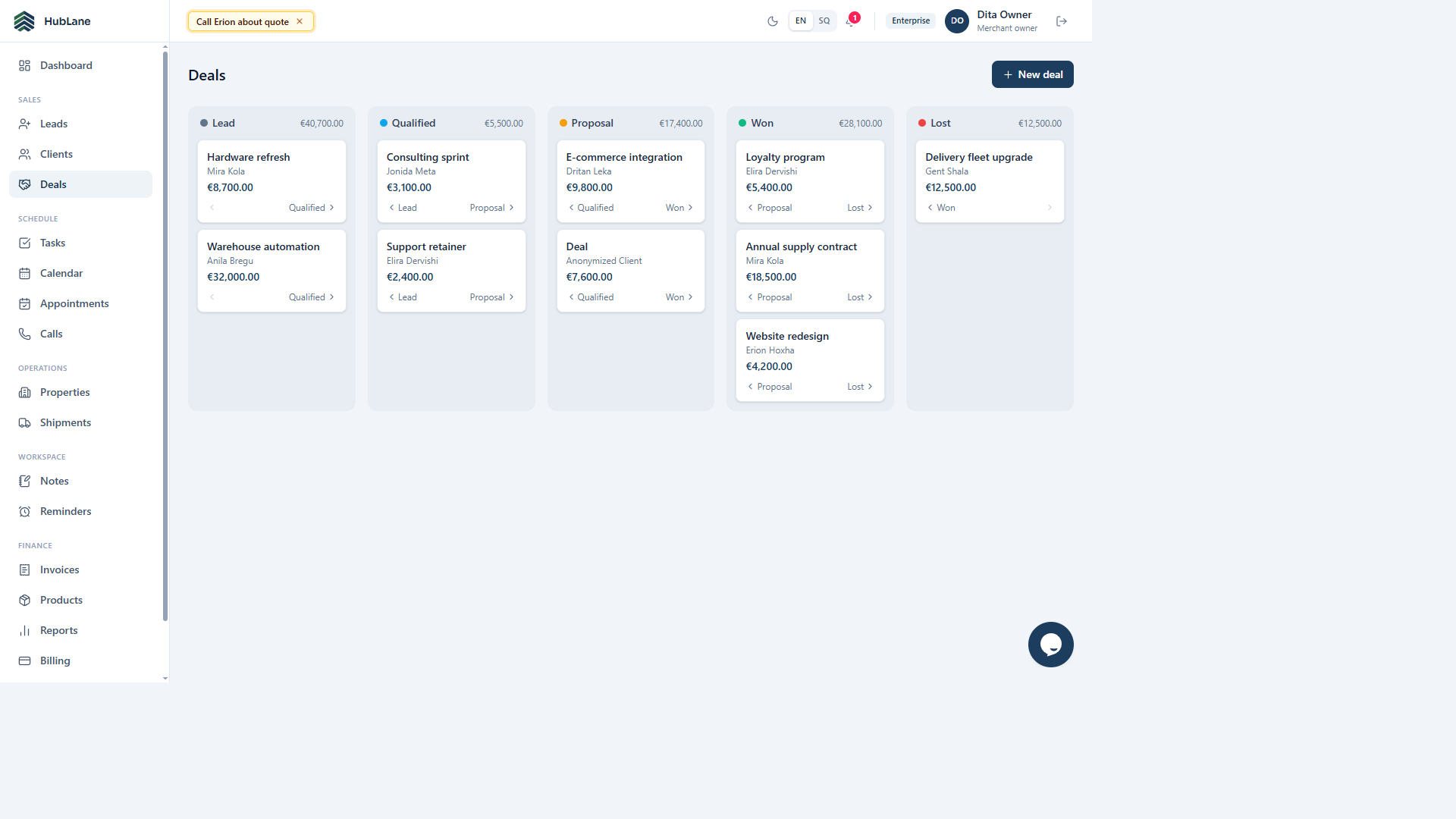
Read the complete guide →Create a deal for the customer, choose its stage and give the follow-up task an owner and due date.
Read the complete guide →Record notes and calls against the customer. Update the stage as the deal progresses so another team member can continue the work.
Read the complete guide →Keep contact information, deal stages, notes and assigned tasks together. Your team can see the next action without rebuilding the history from separate spreadsheets.
Use calendars, calls and reminders alongside client records. Assign responsibility and due dates so follow-up is visible to the people doing the work.
HubLane workspaces support CRM, booking and property workflows. Owners manage team roles and module access from the workspace settings.
Import leads, clients and deals from CSV with column mapping. Review the mapping before confirming the import, then use exports when you need your records outside HubLane.
Choose your modules, review permissions and invite the team. Give each workflow a responsible owner.
Start with a small sample of customers, services or properties. Check the result before bringing over the rest of your records.
Update tasks, appointment hours and property availability as work changes. Follow incoming requests in the shared workspace.
The CRM workspace requires sign-in and permissions. Businesses choose which profiles and properties to publish; customer records are not shown in the public directory.
Start with a small CSV import and reconcile imported and skipped rows. Use the client import guide and starter template before a full migration. Read the guide
Check modules, user counts, workspace limits and any specific requirements with the team. Confirm billing terms for your workspace. Contact HubLane