 HubLane
Give customers a useful business page
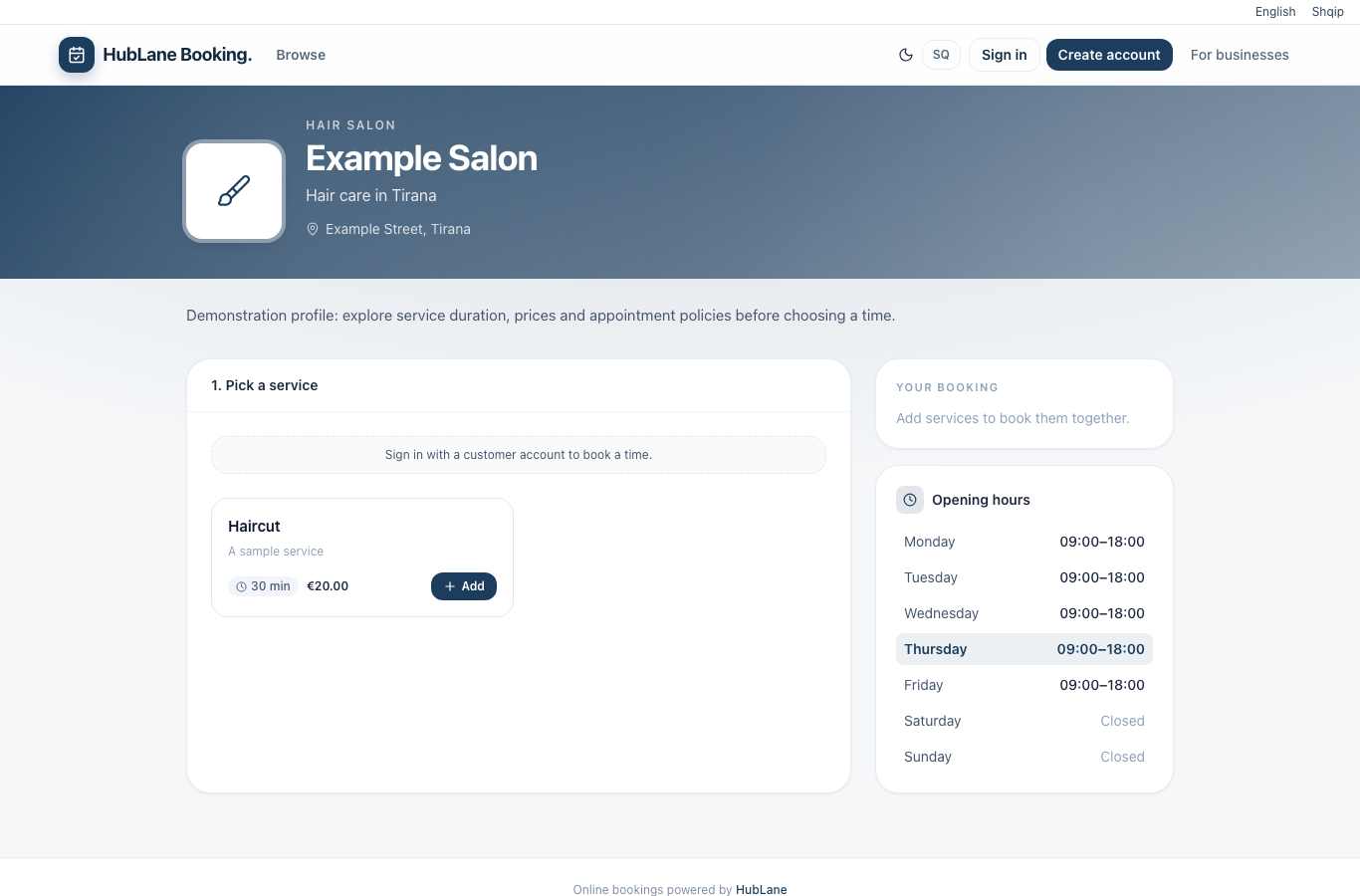
Show your description, location, opening hours and active services. Choose whether to display prices and whether your published profile appears in the booking directory.
Publish your business profile, manage services and staff availability, and receive customer appointments in HubLane.
Create your workspaceInside the product
Add the service, duration and price. Assign staff who can deliver it and confirm the venue timezone.
Read the complete guide →Set business hours, staff skills, closures and time off. Check the minimum notice and cancellation policy.
Read the complete guide →Open the public page, choose a service and use a confirmed customer account to complete a test booking. Check its status in the workspace and cancel the test.
Read the complete guide →Show your description, location, opening hours and active services. Choose whether to display prices and whether your published profile appears in the booking directory.
Configure services, durations, staff and opening hours. Customers choose from available appointment slots and sign in with a customer account to complete a booking.
Manage appointments in your workspace. Customer cancellation and rescheduling follow the options and notice period configured for your business.
Add accurate service names, a useful description, current hours and suitable photos. Publish only contact details you want customers to use, then share your public profile.
Choose your modules, review permissions and invite the team. Give each workflow a responsible owner.
Start with a small sample of customers, services or properties. Check the result before bringing over the rest of your records.
Update tasks, appointment hours and property availability as work changes. Follow incoming requests in the shared workspace.
The CRM workspace requires sign-in and permissions. Businesses choose which profiles and properties to publish; customer records are not shown in the public directory.
Start with a small CSV import and reconcile imported and skipped rows. Use the client import guide and starter template before a full migration. Read the guide
Check modules, user counts, workspace limits and any specific requirements with the team. Confirm billing terms for your workspace. Contact HubLane