 HubLane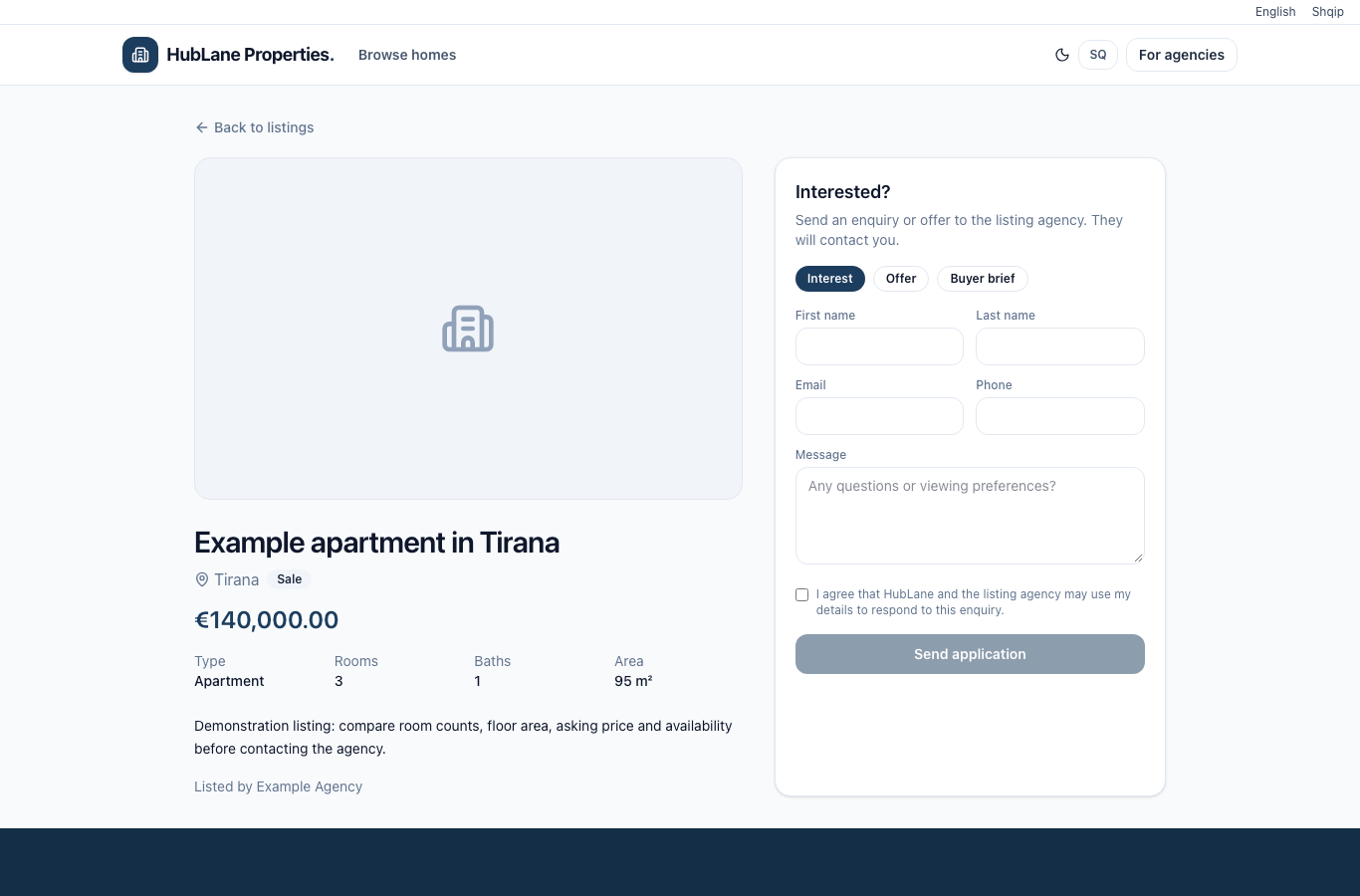
Write the facts a visitor needs to compare
Start with the property type, city, number of rooms, area and sale or rental terms. Verify measurements against your source rather than estimating them from photos. Describe the layout, access and relevant limitations in plain language.
A title should identify the property without unsupported claims such as “best investment” or “guaranteed return”. Keep legal, ownership and financial claims for documents that the agency can substantiate.
Explain what the price represents
Confirm the currency and whether the price is for a sale or a rental period. A daily rent and a monthly rent are different offers even when the amount is identical. State additional costs in the description when you know them; do not imply that all fees are included without checking.
Keep the public status current. Sold and rented records can remain useful as historical pages, but they must be identified as unavailable and removed from the default available-property search.
Choose a useful photo sequence
Lead with a representative image. Follow with the main rooms or spaces and any important access or exterior details. Avoid duplicate photos, outdated furnishing claims and images from a different property. Obtain permission before publishing people, private documents or identifying personal details.
Check the listing on a narrow screen. A visitor should still be able to read the facts, open photos and find the agency contact without switching to a desktop.
Give inquiries a responsible owner
Assign the listing agent and verify the public contact details. Review new inquiries in the property workspace and agree who follows up. Before publishing a translation, check that the price, area, location and availability match the original.
After any material change, re-open the public page and confirm it reflects the current property. A recently edited description alone does not prove that availability was reconfirmed.
Put the workflow into practice
Explore the product or create a workspace for your team.