 HubLane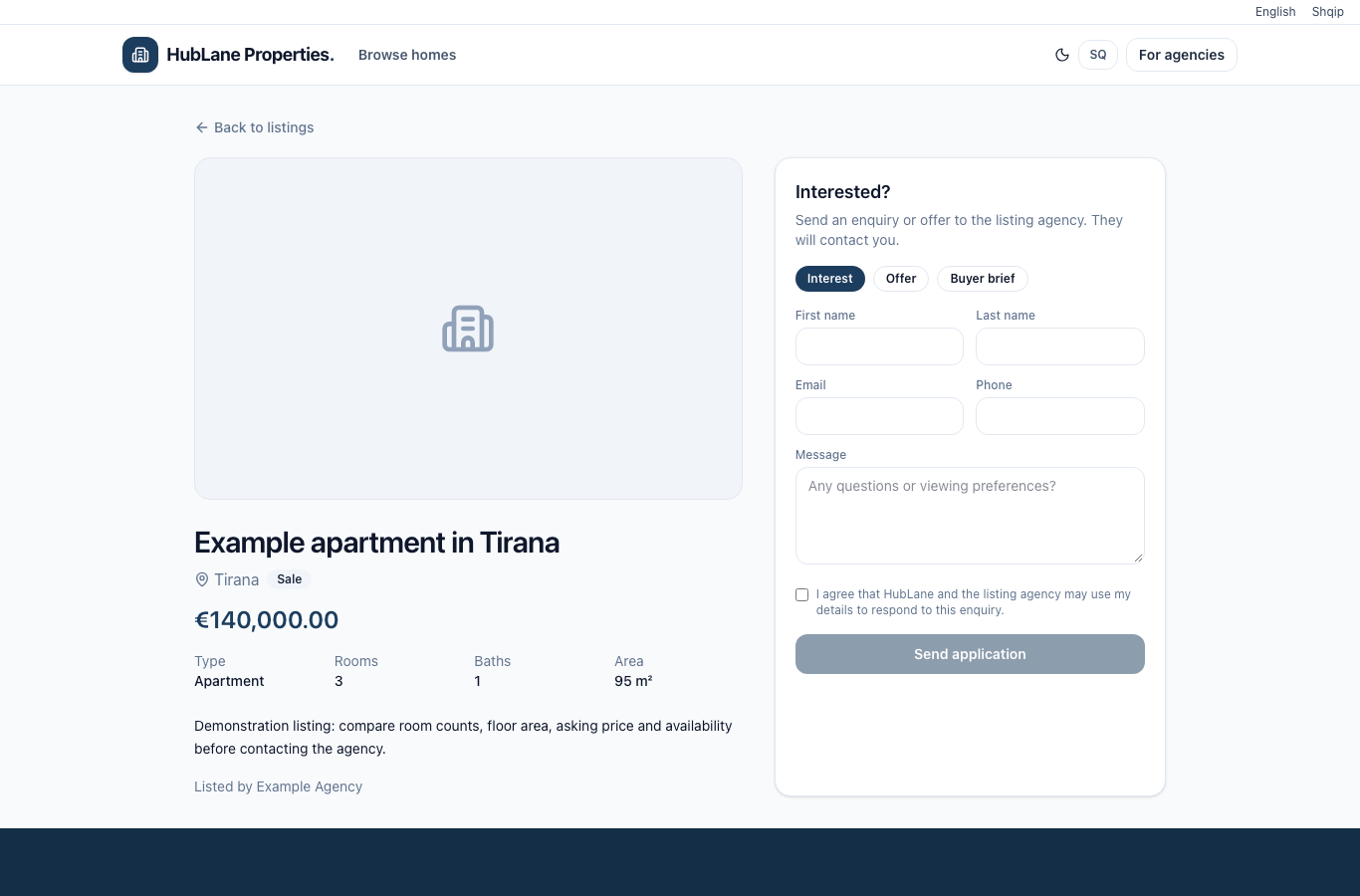
Start with the offer the visitor will see
Check the title, photos, floor area, location and asking price. For rentals, confirm the currency and rental period. Review the public page on a phone and make sure its availability matches what the agency can actually offer.
Give the visitor a clear contact route
Assign the listing agent where appropriate and check the public agency information. Visitors can send a property inquiry through the listing. Keep public contact details accurate and agree who in the team reviews incoming inquiries.
Test the inquiry and update the listing
Send a test inquiry from the public page and verify that it arrives in the property-inquiry area. Review the message and follow your agency’s response process. Update the property when its status changes so new visitors receive the current offer rather than outdated availability.
HubLane
Prepared from implemented HubLane workflows; deployment-specific configuration should be checked by the team.
Put the workflow into practice
Explore the product or create a workspace for your team.