 HubLane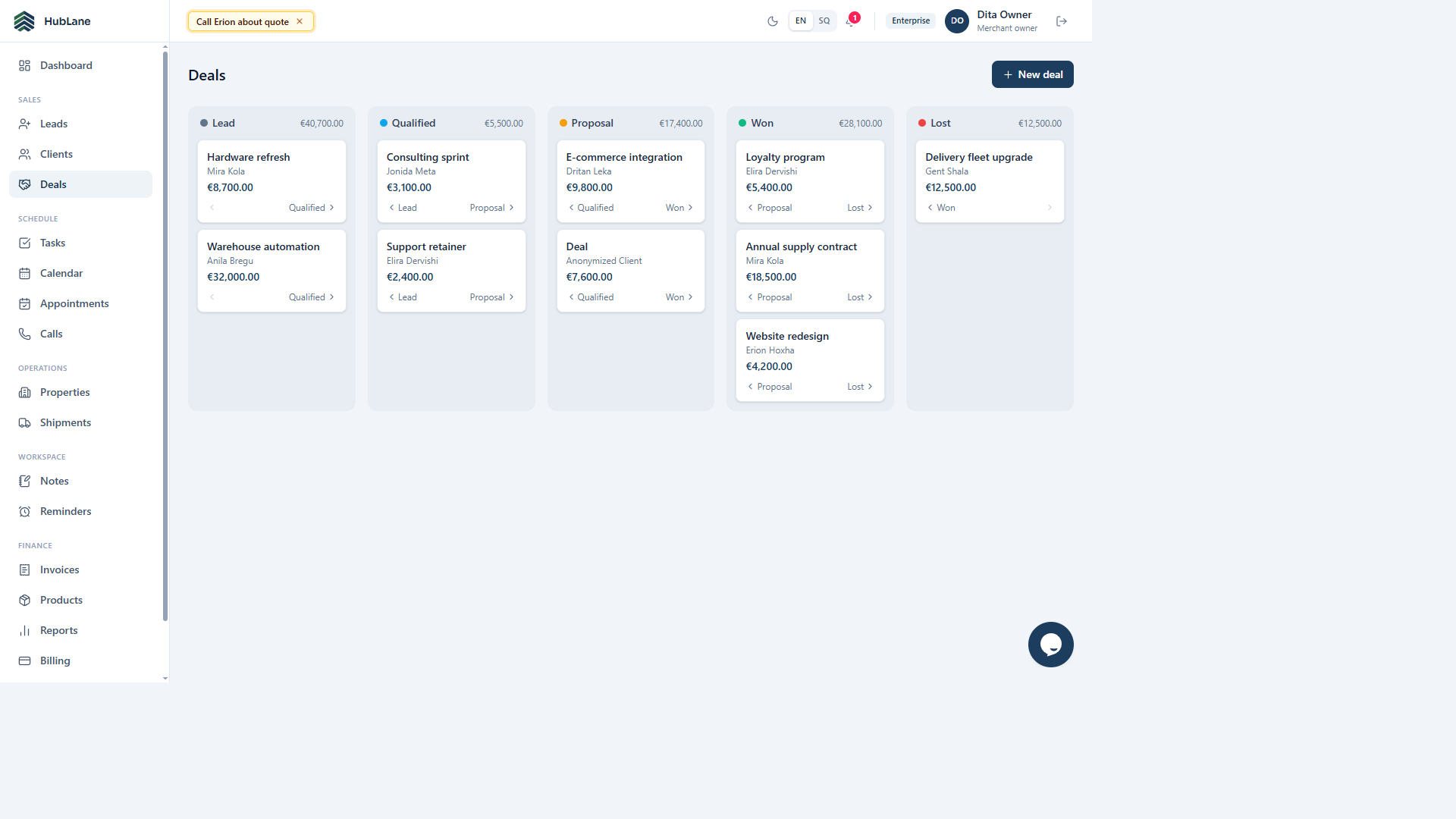
Keep the conversation in context
Use the customer record for contact details and the relevant deal for its current stage. Record useful context in notes. Keep sensitive information limited to what your team needs, and choose workspace permissions that match each person’s responsibilities.
Give the next step an owner
After a call or meeting, create a task with an owner and a due date. Describe a specific action, such as preparing a quote or confirming the requested service. A deal stage describes progress; an assigned task makes the next action explicit.
Review a real handoff
Try one example with two team members: the first records the conversation and assigns the next action; the second checks the customer context and completes the task. Agree how the team handles overdue work and updates stages before importing a larger customer list.
HubLane
Prepared from implemented HubLane workflows; deployment-specific configuration should be checked by the team.
Put the workflow into practice
Explore the product or create a workspace for your team.